OpenClip
An open-source text action popup for macOS
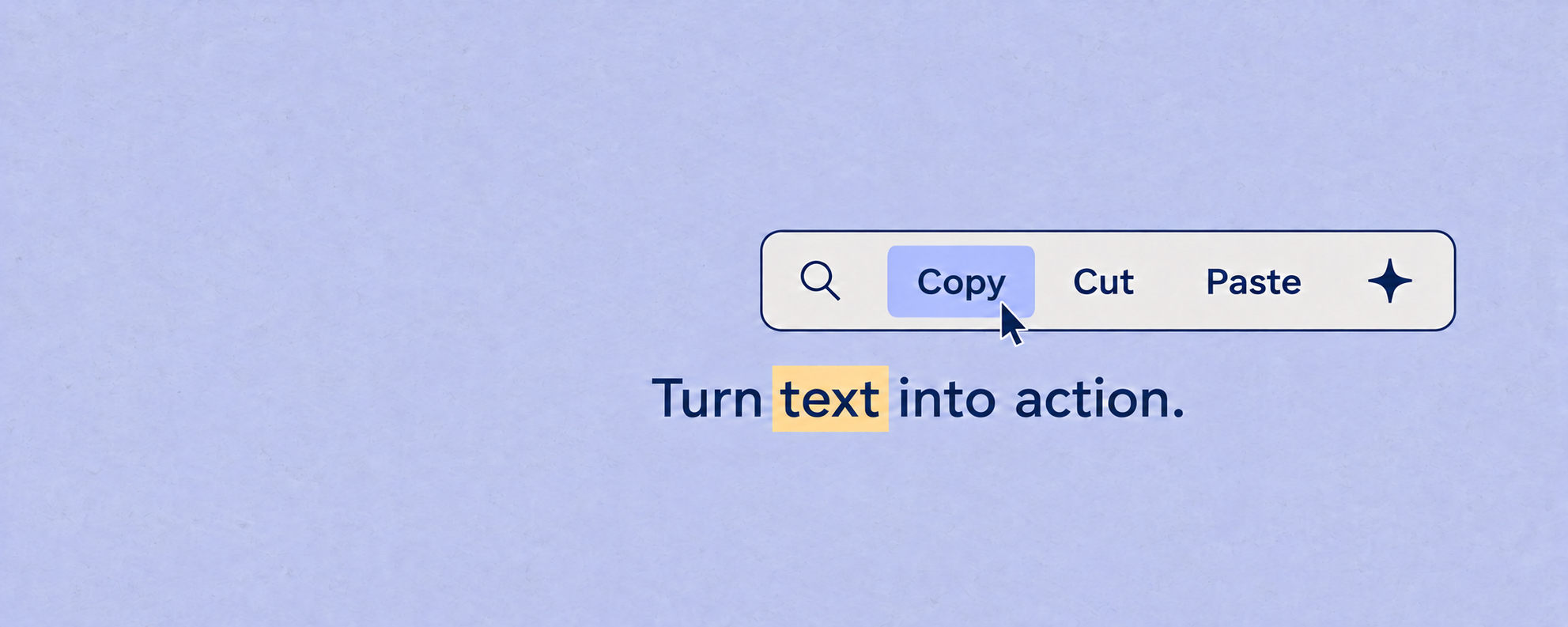
I built OpenClip to put text actions next to the text itself. Select a sentence in a Mac app and a small bar appears: you can change its case, look something up, run a script, or send it to an AI model.
Why I built it
There's a lot you can do with a piece of selected text, but the selection usually isn't where you do it. You copy it into a search box, a terminal, or a chat window, do the task there, then bring the result back.
With OpenClip, I wanted to make that a shorter interaction. Select the text, pick an action, and use the result. Changing a sentence to lowercase doesn't need a whole workspace of its own.
Building around text selection
I built the app in Swift, using macOS Accessibility APIs to read the selection. Copying text just to find out what was selected would interfere with the clipboard. Accessibility gives OpenClip another way to read it, though it does mean asking the user for permission.
The bar is the visible part. Underneath it, the app needs to figure out what text is selected, where to appear, and how to get a result back into the original app. Each of those has to work across applications that handle text differently.
I also kept a keyboard route into the same actions. Press ⌥⌘C to search the catalog instead of using the floating bar.
Making room for other workflows
The built-in actions cover things like case changes, search, and calculations. Extensions let people add the parts that are specific to their work, using JavaScript, shell scripts, AppleScript, or a URL template.
For example, a lookup action can take the selected text and put it into a site's search URL. A script can transform it. Both start from the same selection, so they don't need separate interfaces.
AI is another optional action. OpenClip supports Apple Intelligence, local Ollama models, and OpenAI or Anthropic keys. It doesn't need an AI connection for the regular text tools to work.
The parts you don't see in a screenshot
One concrete problem was distributing the app. Earlier releases used ad-hoc signatures, and an update could cause macOS to drop the app's Accessibility permission. The user would have to grant it again even though they'd already done that.
Version 1.6.0 became the first properly signed and notarized release, with work from Matej Bačo. Other contributors helped with Intel builds and script output getting cut off. Those fixes are part of the project just as much as the features in the popup.
I maintain OpenClip in the open. You can follow the changes in the release notes, report problems on GitHub, or join the Discord. The contributor credits are there too; this isn't all my work.